WhatsApp Form Creator
Build a styleable form and receive every submission straight to your WhatsApp - zero backend, zero code, instant share link.
Live Preview
How It Works
Build Your Form
Add fields - text, email, phone, dropdown, rating, and more. Drag to reorder. Set required fields.
Style It Your Way
Pick a preset or customise every color, font, card style, and radius. Live preview updates instantly.
Deploy to GitHub
Click "Deploy to GitHub Pages" to host your form for free. You'll get a live URL to share with others. When someone submits, their WhatsApp opens with the answers sent to your number.
Host It Yourself (Optional)
Download the standalone HTML file and host it anywhere - Netlify, your own server, or even open it directly from your computer.
Common Questions
wa.me) and opens WhatsApp directly. The data lives only in WhatsApp chats.
username.github.io/repo-name/.
<iframe> pointing to your hosted URL directly onto your site.
More Tools
Practical tools you can rely on every day.
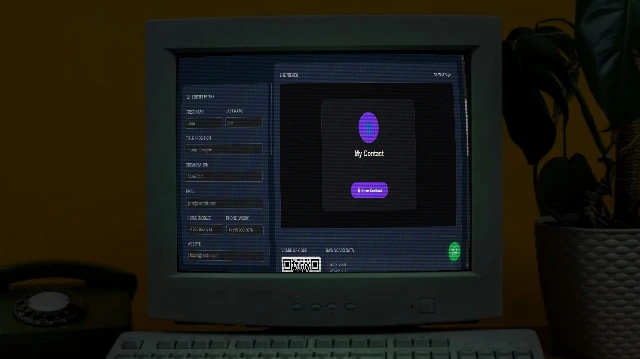
Contact Card Maker
Build a professional vCard (.vcf) with a scannable QR code and a beautiful contact page. Download the VCF, share the QR, or publish your contact page to GitHub Pages free.

Social Share Preview
See exactly how your URL appears when shared on Facebook, Twitter/X, LinkedIn, and WhatsApp. Instantly audit Open Graph and Twitter Card meta tags.
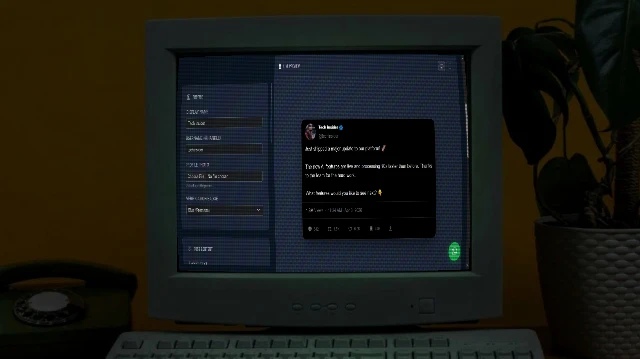
X/Tweet Mockup Generator
Create realistic X (Twitter) post mockups with authentic dark mode aesthetics, verification badges (Blue/Gold/Grey), engagement metrics, and media support. Perfect for marketing presentations and content planning.

Image Combiner
A powerful browser-based tool to combine multiple images into grids or strips with customizable padding, background, and layout.
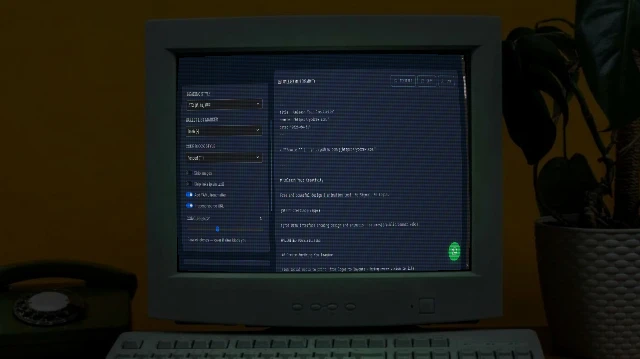
Bulk URL to Markdown
Paste a list of URLs and convert every page to clean Markdown instantly. Powered by Turndown.js with GFM support. Download individual .md files or grab everything as a ZIP.

Color Palette Generator
Generate beautiful, harmonious colour palettes from a seed colour. Choose from analogous, complementary, triadic, and more. Export to CSS variables, Tailwind config, SCSS, or JSON.