NABEEL.

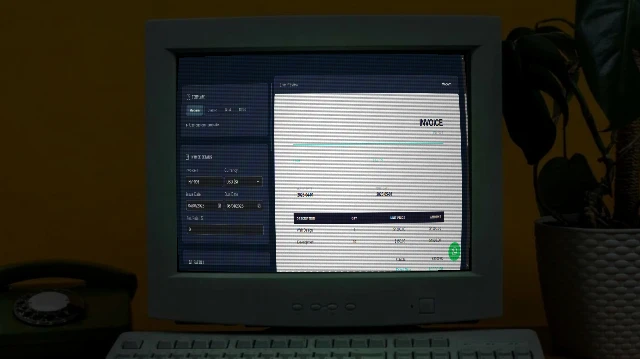
Resume Maker

multiple stunning templates. Live preview. Print to PDF or publish to GitHub Pages - all free.

Template

Use custom template

Paste a full HTML template. Available tokens:
{{name}} {{title}} {{email}} {{phone}} {{location}} {{website}} {{summary}}
{{#each experience}}{{role}} {{company}} {{period}} {{bullets}}{{/each}}
{{#each education}}{{degree}} {{school}} {{year}}{{/each}}
{{#each skills}}{{name}}{{/each}}

Personal Info

Experience

Education

Skills

Comma-separated list

GitHub Deploy

Not connected

Publish your Resume to GitHub Pages - free forever.

1
Create a GitHub repository
Go to github.com/new. Name it anything (e.g. my-resume). Set it to Public - required for free Pages hosting.
2
Generate a Personal Access Token
Go to Settings → Developer settings. You can use Tokens (classic) (tick repo scope) or Fine-grained tokens (select your repo, then under Repository permissions, set Contents to Read and write).
3
Enable GitHub Pages
In your new repo → Settings → Pages → Source: Deploy from a branch → Branch: main, folder / (root). Click Save.
4
Enter your credentials below & Deploy
Credentials are saved only in your browser's localStorage and never sent to our servers. Click Deploy to push via API.
Saved locally - never transmitted to this server.
Your page is live at:
Live Preview Modern

How to Use

1

Pick a Template

Choose from 4 styles. Or paste your own HTML template with {{tokens}}.

2

Fill in Your Details

Add personal info, experience entries, education, and skills.

3

Print or Deploy

"Print / Save as PDF" opens your browser print dialog - set destination to "Save as PDF". Or deploy to GitHub Pages for a live URL.

FAQ

Yes. Everything runs in your browser. Nothing is sent to any server.

Your resume is pushed as an HTML file to a GitHub repo, and GitHub hosts it for free at your-username.github.io/repo-name/.

Yes - expand "Use custom template", paste your HTML with {{tokens}}, and click Apply.

No - but for best print results, keep your resume to 1–2 pages.

More Tools

Practical tools you can rely on every day.
View All
Free Text to Speech
Utilities

Text to Speech

Free and unlimited Text-to-Speech tool with advanced voice selection, pitch, and rate control for professional voice-overs.

Utility Image Combiner
Design Tools

Image Combiner

A powerful browser-based tool to combine multiple images into grids or strips with customizable padding, background, and layout.
New Contact Card Maker
Social & Bio Pages

Contact Card Maker

Build a professional vCard (.vcf) with a scannable QR code and a beautiful contact page. Download the VCF, share the QR, or publish your contact page to GitHub Pages free.

New WhatsApp Chat Mockup Generator
Design Tools

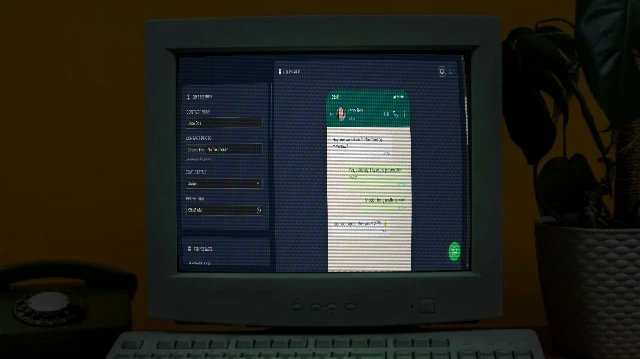
WhatsApp Chat Mockup Generator

Create realistic WhatsApp conversation mockups with custom messages, images, and voice notes. Perfect for presentations, marketing, or social media content.

New Bulk Image Processor
Design Tools

Bulk Image Processor

A powerful browser-based tool to bulk process images - resize, compress, crop, add filters, and watermarks. 100% private and fast.

New WhatsApp Form Maker
Social & Bio Pages

WhatsApp Form Maker

Build a professional WhatsApp Form page. Publish your WhatsApp Form to GitHub Pages free.