WhatsApp Chat Mockup
Create realistic WhatsApp conversation mockups instantly. Perfect for presentations, marketing materials, or social media content.
Live Preview
How to Use
Configure Chat Settings
Set the contact name, upload a profile picture, and set the chat status. Adjust the phone time to match your scenario.
Add Messages
Choose between text, image, or voice messages. Toggle between \"Me\" (green bubbles, right side) and \"Contact\" (white bubbles, left side). Click \"Add Message\" to insert into the conversation.
Arrange & Edit
Messages appear in the sidebar list. Click on a message in the list to delete it. Use \"Clear All\" to start fresh.
Export Your Mockup
Download as standalone HTML or save as PNG image. You can also deploy directly to GitHub Pages using the deployment panel.
Common Questions
More Tools
Practical tools you can rely on every day.
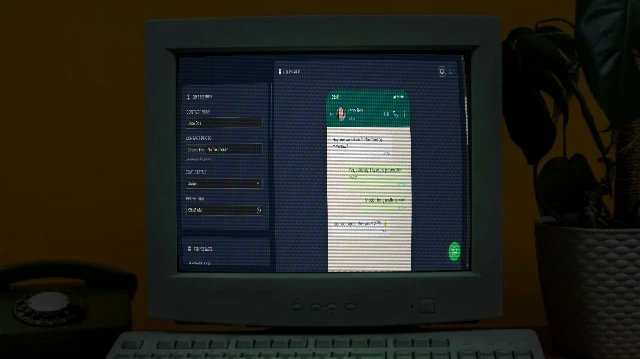
WhatsApp Chat Mockup Generator
Create realistic WhatsApp conversation mockups with custom messages, images, and voice notes. Perfect for presentations, marketing, or social media content.
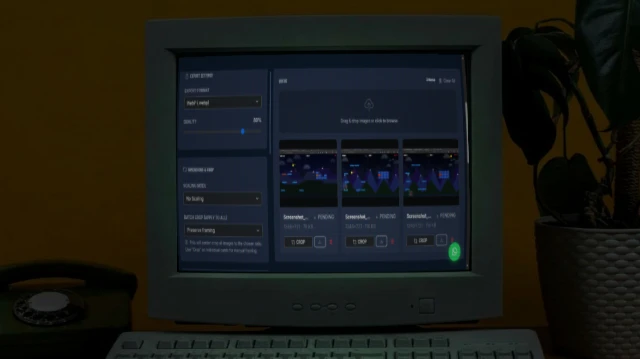
Bulk Image Processor
A powerful browser-based tool to bulk process images - resize, compress, crop, add filters, and watermarks. 100% private and fast.
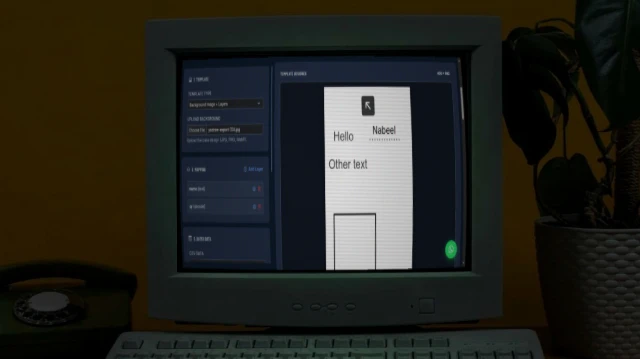
Bulk Card Studio
Generate bulk cards, certificates, or social media graphics. Upload an image or HTML/SVG template, map CSV data to placeholders, and export as high-quality images or ZIP.
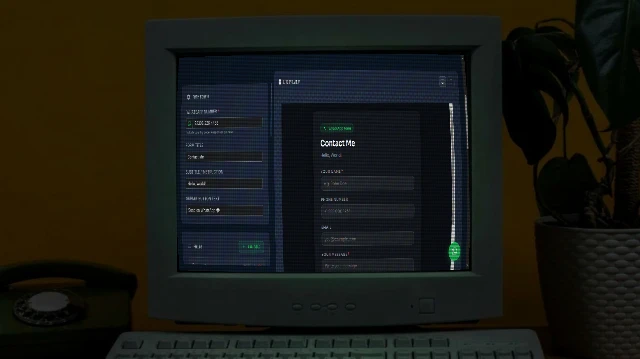
WhatsApp Form Maker
Build a professional WhatsApp Form page. Publish your WhatsApp Form to GitHub Pages free.
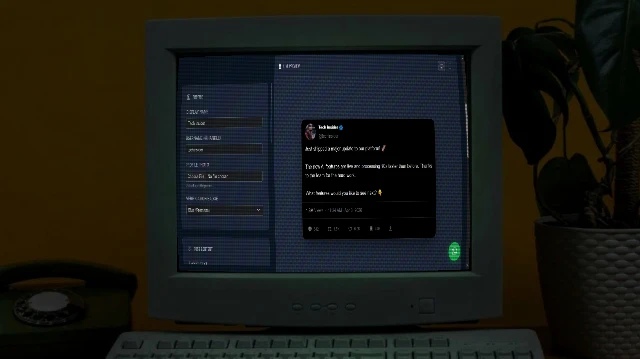
X/Tweet Mockup Generator
Create realistic X (Twitter) post mockups with authentic dark mode aesthetics, verification badges (Blue/Gold/Grey), engagement metrics, and media support. Perfect for marketing presentations and content planning.
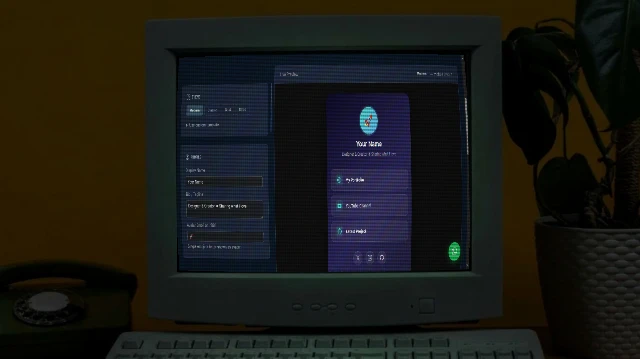
Links Page Maker
Your own Linktree - multiple themes, fully custom, deploy to GitHub Pages free.