NABEEL.

Installation Guide

Getting Started with ArkScribe.

Follow these simple steps to install the ArkScribe extension and begin your documentation journey.

ArkScribe is a Chrome extension, and installing it is a quick and straightforward process.

Step 1: Visit the Chrome Web Store

First, open your Google Chrome browser and navigate to the ArkScribe page on the Chrome Web Store.

Step 2: Add to Browser

On the ArkScribe extension page, you will see an "Add to Chrome/Edge" button. Click this button.

Step 3: Confirm Permissions

A dialog box will appear, showing you the permissions ArkScribe requires to function. Click "Add extension" to approve them.

We are committed to your privacy. To understand why these permissions are needed, please read our Permissions Guide.

Step 4: Pin the Extension

After installation, the ArkScribe icon will appear in your browser's toolbar. We recommend pinning the extension for easy access.

  1. Click the puzzle piece icon () in your toolbar to open the extensions list.
  2. Find ArkScribe in the list.
  3. Click the pin icon next to it.

That's it! You're all set. The ArkScribe icon will now be visible in your toolbar, ready for you to start creating guides.
More Products

Purpose-built software that respects your time and your data.

View All
Free Yo! Draw
Design and Graphics

Yo! Draw

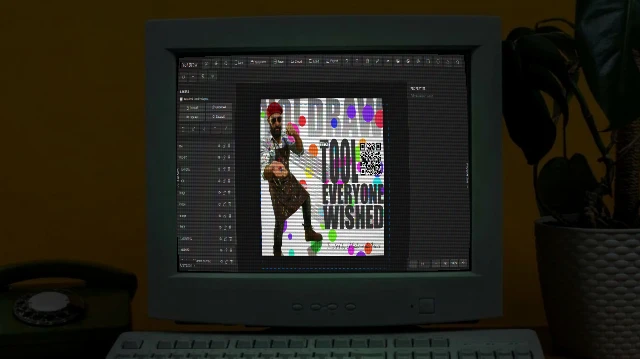
Free browser-based graphic design/animation tool for posts, ads, thumbnails, logos. No signup, privacy-focused, animations, sync, JS extensible, PNG/SVG exports.

Essential Taskida
Project Management

Taskida

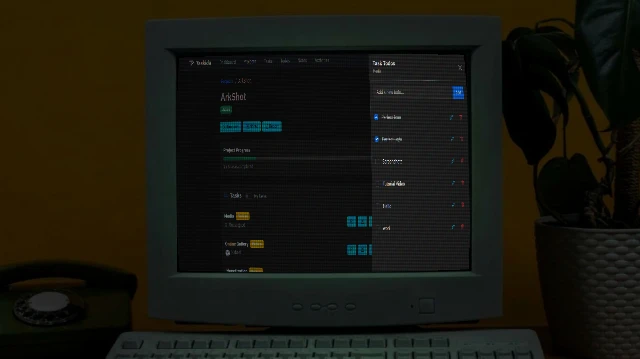
Project and Task Management Solution for individuals and teams. Create project, manage tasks, collaborate with team members. Easy, flexible and powerful.

Ultimate ArkFind
Productivity

ArkFind

The ultimate web extractor and navigator. Quickly navigate pages, extract contacts, emails, and addresses into JSON/CSV. Features the powerful ARK engine and a visual builder for effortless data capture.

Mockup Arkida
Design and Graphics

Arkida

High-performance browser mockup engine that turns screenshots into professional, perspective-correct visuals in seconds. Warp, frame, and export stunning mockups.

New ArkScribe
Productivity

ArkScribe

Privacy-first tool for step-by-step guides, manuals, SOPs, presentations. Browser recording with screenshots, timeline editing, exports (PDF/HTML/MD/images), narrated videos.

Featured in Product Hunt ArkTabs
Productivity

ArkTabs

Spotlight Style Tab Manager for Ultimate Browser Efficiency. Top 10 Product of day on Product Hunt and Featured in Product Hunt Newsletter.